 Koala UI
Bento
ProAn asymmetric marketing grid of feature tiles. Named parts you assemble: a tinted icon, a balanced title, a description and a media region. Each tile claims a size and a tone, and the grid collapses to one column.
Store templates
Crafted layouts that highlight product benefits, build trust, and drive conversion.
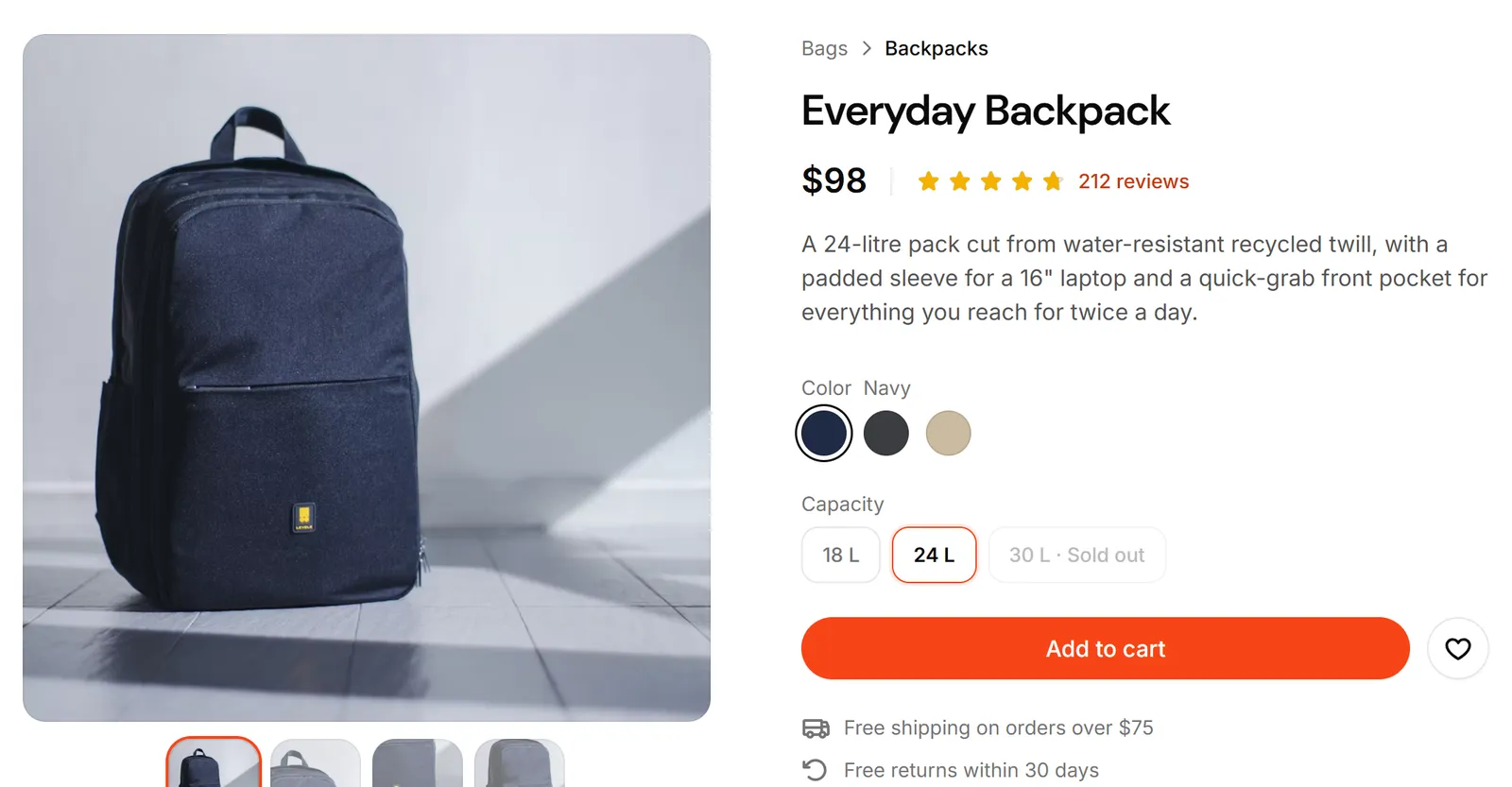
High-converting experience
Structures meticulously created for maximum conversion and end-to-end purchasing.
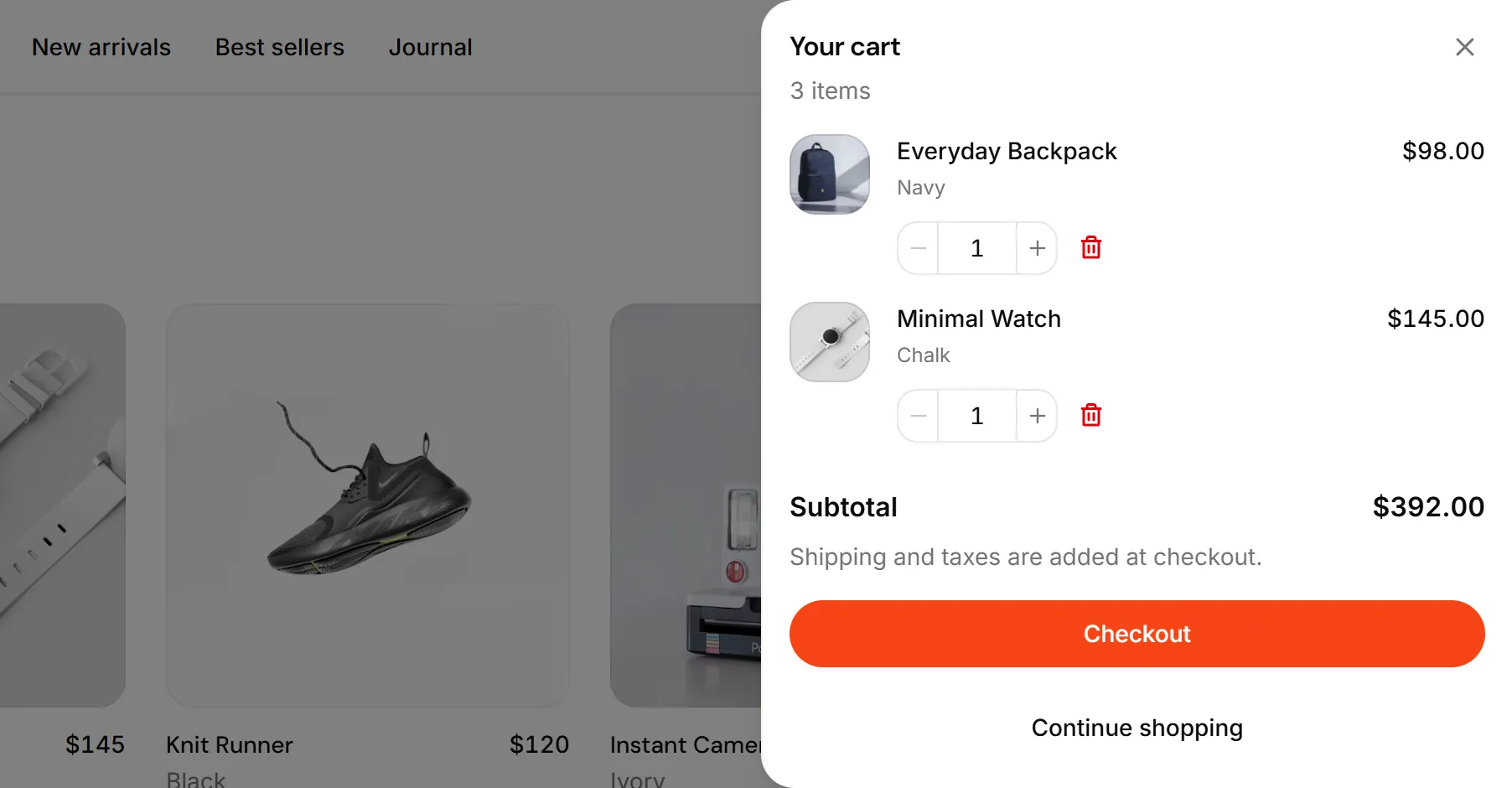
Maximum personalization
Customize the components to your liking so that each project is unique.
Detailed documentation
Maintain consistency across projects thanks to our extensive documentation.
All assets in 1 place
Logos, avatars, flags, and icons ship ready to drop into any page.
Installation#
Usage#
The preview is yours to explore. Its code comes with a Pro license, paid once and used in every project.
Have a license? Unlock it here
Anatomy#
import {
  Bento,
  BentoItem,
  BentoItemIcon,
  BentoItemTitle,
  BentoItemDescription,
  BentoItemImage,
  BentoItemArt,
  BentoItemMedia,
} from "@/components/ui/bento"

<Bento>
  <BentoItem>
    <BentoItemIcon />
    <BentoItemTitle />
    <BentoItemDescription />
    <BentoItemImage />
    {/* or <BentoItemArt />, or <BentoItemMedia /> */}
  </BentoItem>
</Bento>Sizes#
Each BentoItem picks a size: sm (2 cols), md (3 cols), lg (4 cols), feature (4 cols × 2 rows, the anchor tile), and full (the whole row). Below the lg breakpoint the grid collapses to two columns, then one, so every tile stays legible on mobile.
Collapse#
collapse on Bento picks where the grid leaves one column. The default, sm, steps through two columns before the six. lg holds one column until lg: reach for it when a row holds three tiles, because a two-column step can only lay a row of three out as a pair and an orphan. The tiles read the choice from the grid, so a wide tile never forces a second column into a one-column grid. Narrow the window to see the difference.
Image fit#
imageFit decides what a BentoItemImage is. frame (default) floats the shot in a window: inset by the tile padding, top corners rounded, lifted off a muted ground. bleed drops the window: the art is larger than the tile, pinned to the copy's left edge, and runs off the right and bottom edges, dissolving through the fade-b mask into whatever ground the theme gives it. Set it once on Bento; a tile's own imageFit wins.
Product Design Templates
Create concepts for products or applications with over 200 templates and components.
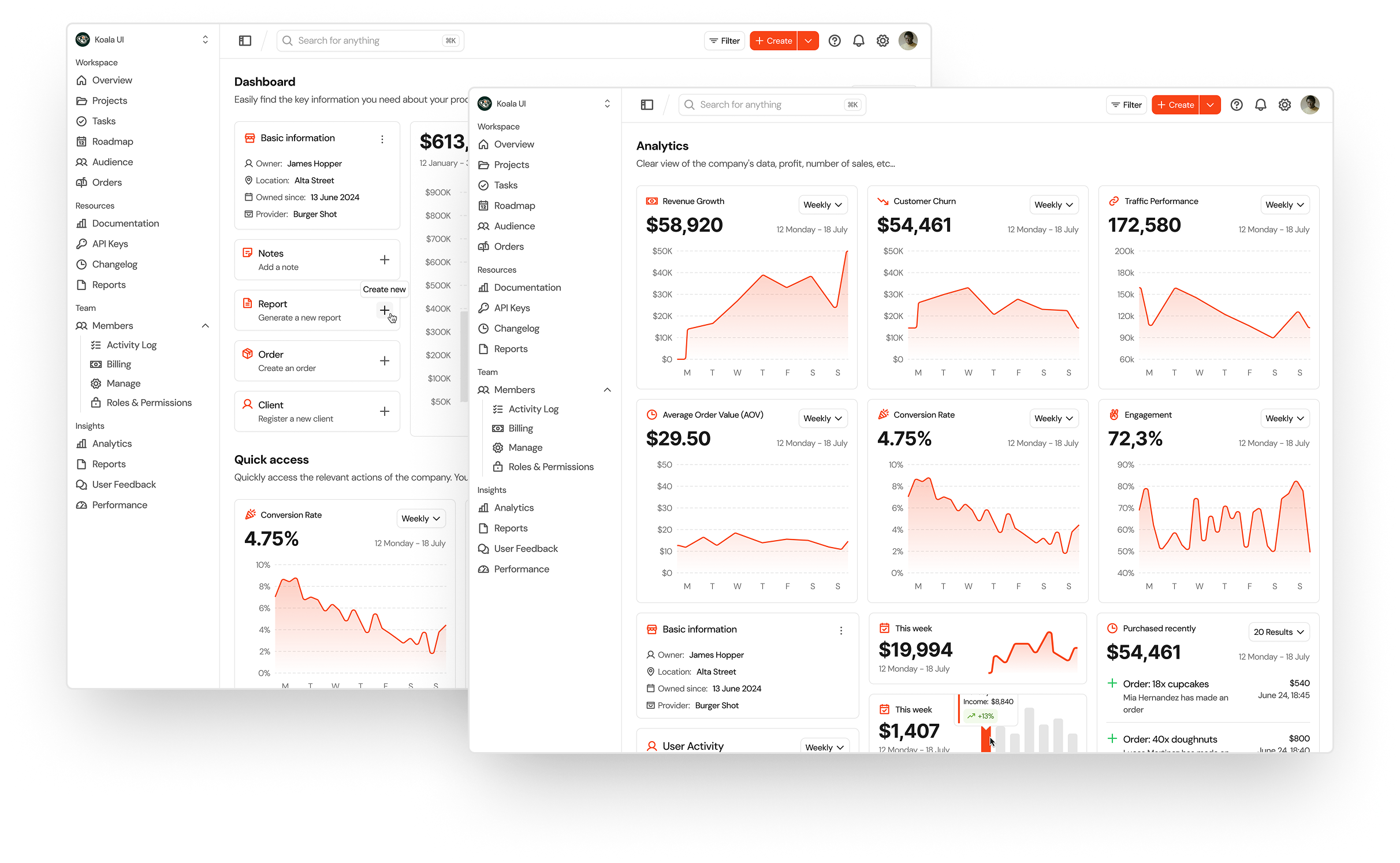
Framed, for contrast
The same art in the default window: inset, top corners rounded, lifted off a muted ground.
Light and dark shots#
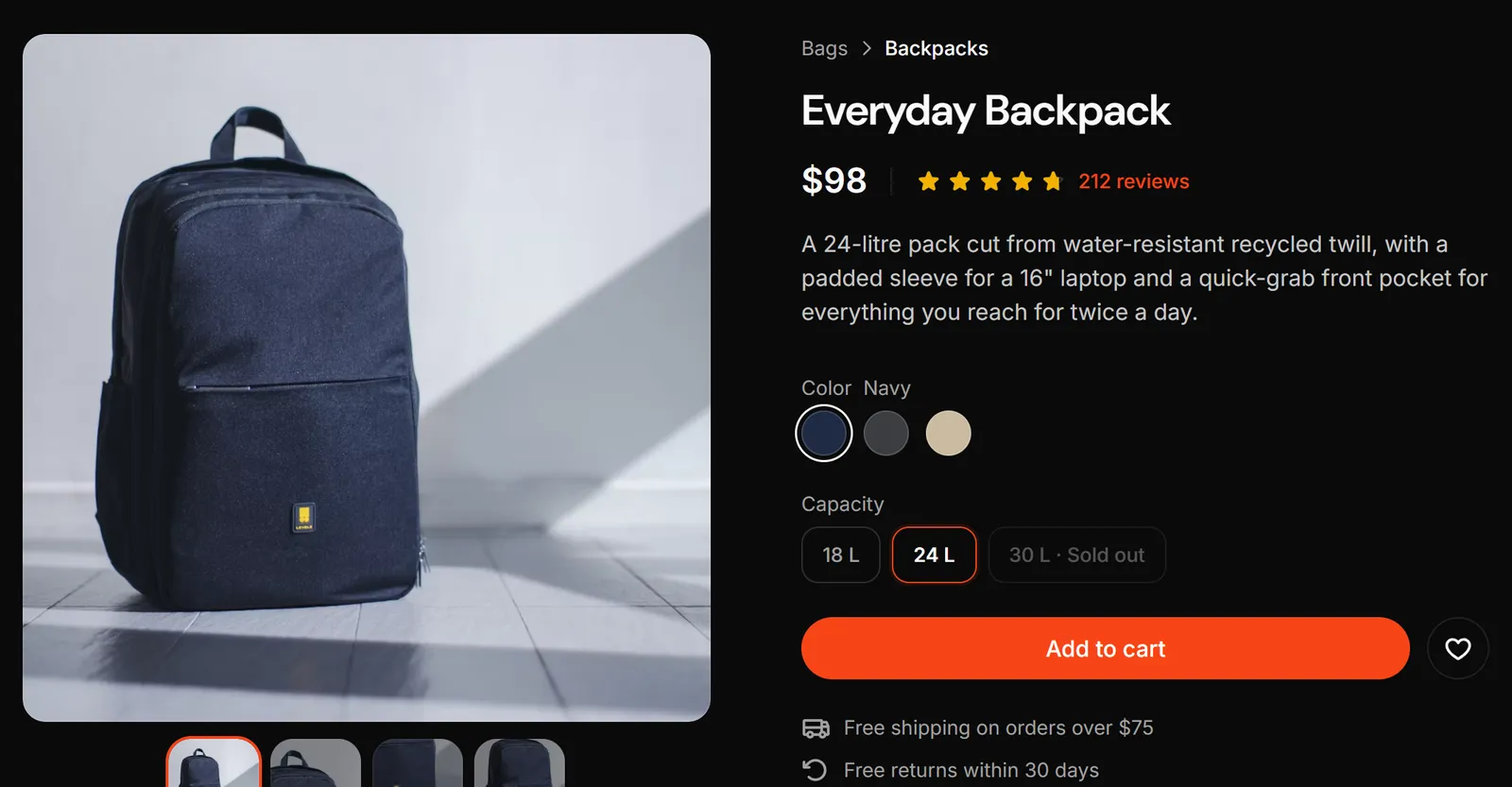
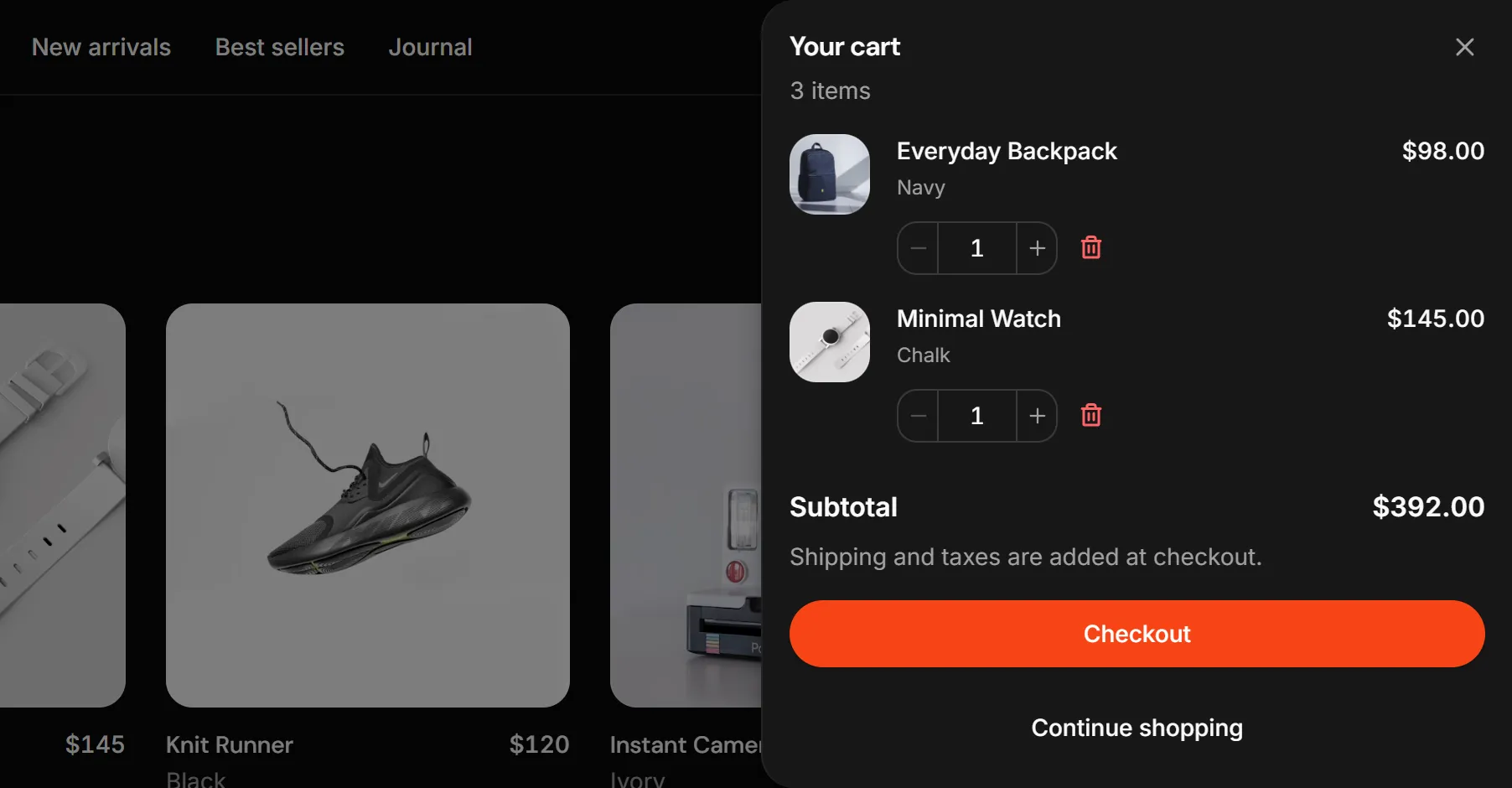
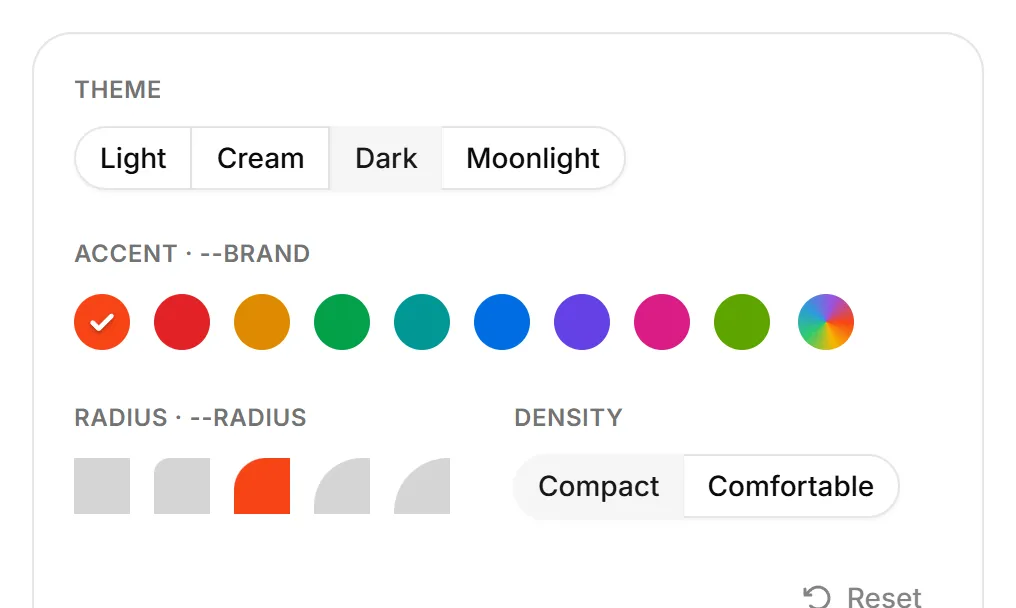
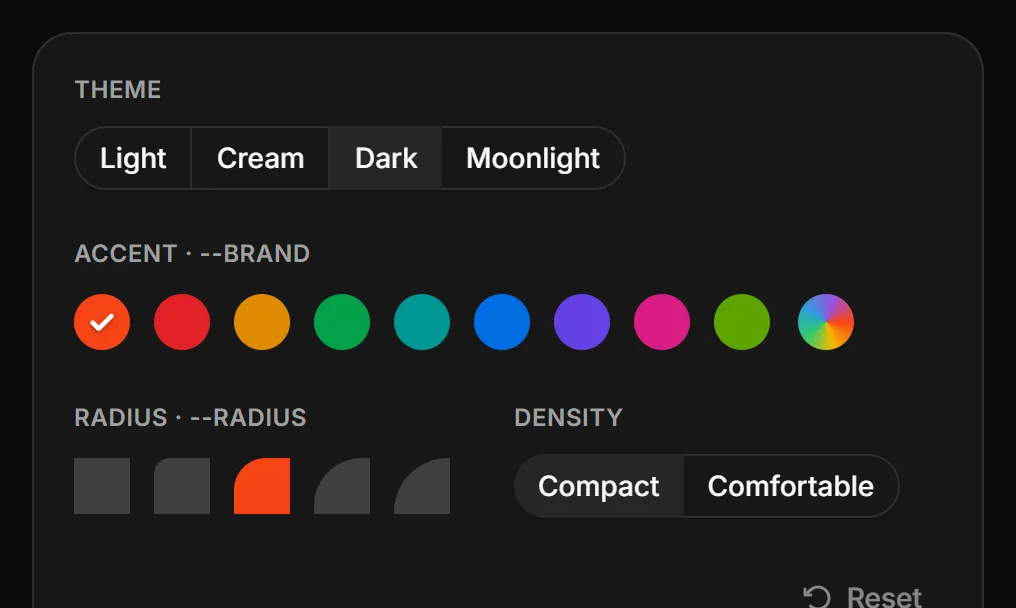
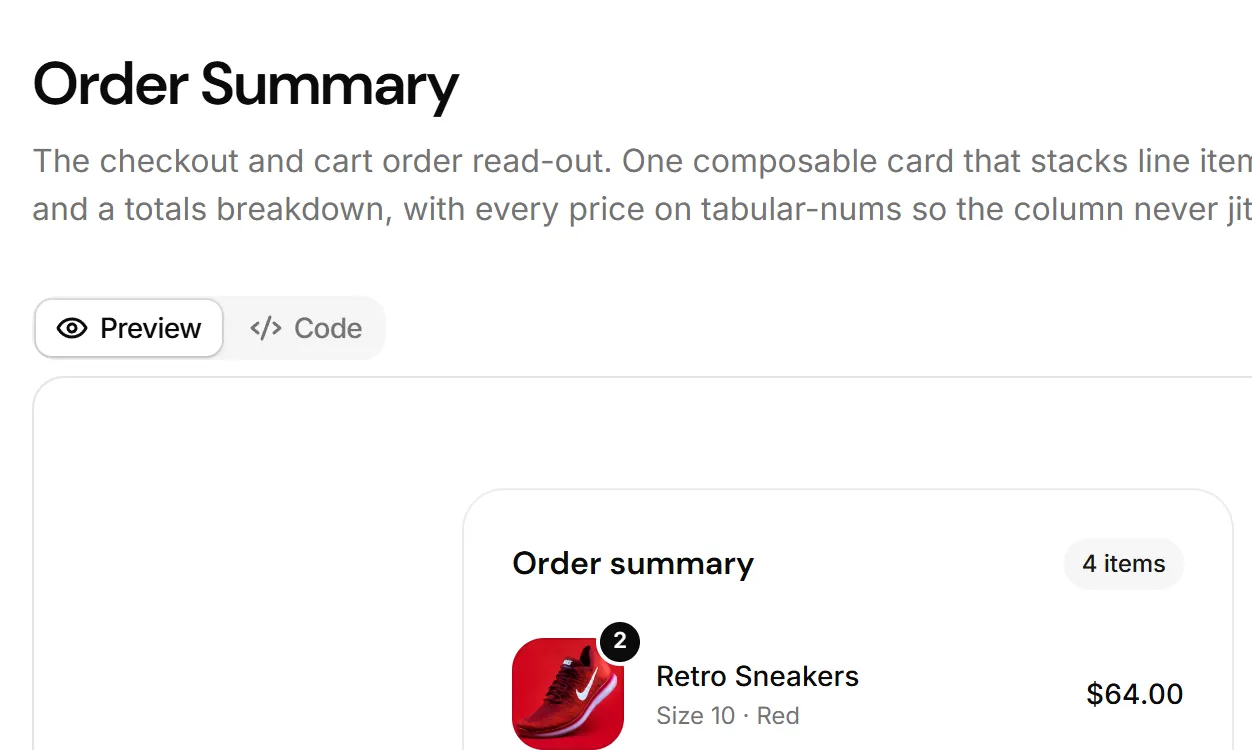
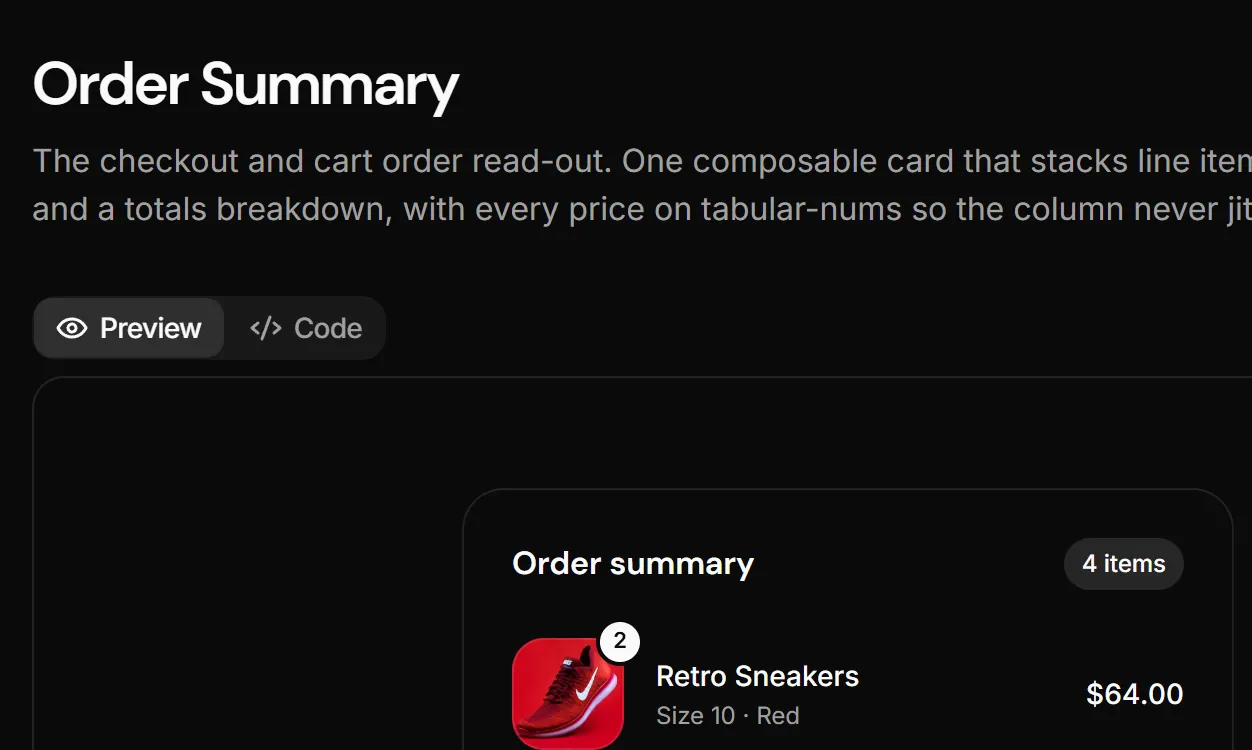
A screenshot is taken in one theme, and a framed window is the first thing that gives it away: a white shot on a dark page reads as a mistake. Pass the same shot taken in a dark theme as darkSrc and BentoItemImage shows src on the light themes (light, cream) and darkSrc on the dark ones (dark, moonlight). The swap is the dark: variant, so it follows the nearest theme, a pinned band included, and only the shot on screen is downloaded. Every other prop applies to both.
High-converting experience
srcHigh-converting experience
darkSrcLive art#
A shot is one take of one moment. When the moment should follow the visitor's theme and accent, move, or answer a click, put the real components in the window instead. BentoItemArt is the same art window a BentoItemImage paints into, framed by default and bled under imageFit="bleed", with your composition inside. Position it yourself: the window clips it, and a bled window is wider than the tile, so anything past the tile's edge is cut there.
Scale#
scale on Bento is the board's type and spacing step. md (default) is a block among many: 24px tiles, 16px descriptions. lg is the landing board a home page tells its feature story with: 32px tiles, a 32px step to the art, and 18px descriptions. The title stays 8px from its description at both steps, and the bleed cancels the bigger padding. Set once on the grid, so a board never mixes steps.
Product Design Templates
Create concepts for products or applications with over 200 templates and components.
High-converting experience
Structures meticulously created for maximum conversion and end-to-end purchasing.
API reference#
Bento
The grid: one column on phones, two at sm, six at lg. Forwards all native <div> props. Every part accepts className, merged last.
| Prop | Type | Default | Description |
|---|---|---|---|
| collapse | "sm" | "lg" | "sm" | Where the grid leaves one column. lg skips the two-column step, for rows of three that would leave an orphan. |
| imageFit | "frame" | "bleed" | "frame" | The default art window for every tile; a tile's own imageFit wins. |
| scale | "md" | "lg" | "md" | The type and spacing step of the whole board: 24px tiles, or the 32px landing board with 18px descriptions. |
| Data attribute | Description |
|---|---|
| data-collapse | "sm" or "lg". |
BentoItem
One tile, a ring-edged card. Works outside a Bento too, with the defaults. Forwards all native <div> props.
| Prop | Type | Default | Description |
|---|---|---|---|
| size | "sm" | "md" | "lg" | "feature" | "full" | "sm" | Columns claimed at lg (2, 3, 4, 4 by 2 rows, 6) and the art height. The wide three also span both sm columns. |
| tone | "neutral" | "brand" | "purple" | "teal" | "orange" | "pink" | "neutral" | The tint of the icon chip, nothing else. |
| imageFit | "frame" | "bleed" | - | A floating screenshot window, or art that runs off the tile and dissolves. Overrides the grid's. |
| asChild | boolean | false | Renders the tile as its single child (Radix Slot), so the whole card is one link. |
BentoItemIcon
The tinted icon chip; pass one Koala icon. Forwards all native <div> props.
BentoItemTitle
The balanced title, an <h3>. Forwards all native <h3> props.
BentoItemDescription
The muted description, a <p>. Forwards all native <p> props.
BentoItemImage
A lazy screenshot clipped at the tile edge, in the window imageFit picks. Forwards native <img> props (alt, sizes, srcSet) to the image; className lands on the <img>.
| Prop | Type | Default | Description |
|---|---|---|---|
| src* | string | { src: string } | - | A URL or a static image import. |
| darkSrc | string | { src: string } | - | The same shot in a dark theme, shown on dark and moonlight. Only the visible one loads. |
| frameClassName | string | - | Classes for the art window (its height, the bleed width). |
| children | React.ReactNode | - | Extra layers over the image, positioned by you and clipped with it. |
| loading | "lazy" | "eager" | "lazy" | The native loading hint. |
| decoding | "async" | "sync" | "auto" | "async" | The native decoding hint. |
BentoItemArt
The same art window holding live components instead of a picture. Position the composition yourself; the window clips it. Forwards all native <div> props.
BentoItemMedia
A freeform bottom-aligned region (a stat, a swatch row). Composed first, it flips: the visual on top, the copy on the bottom edge. Forwards all native <div> props.